Hosting phpMyAdmin on EC2 to Manage RDS Database
Apr. 2025
This project demonstrates how to deploy a cloud-based database management system using AWS services. It involves setting up an Amazon RDS MySQL instance, launching an EC2 instance, installing phpMyAdmin, and accessing the database through a web browser using the EC2’s public IP.
Objectives
- Provision a managed MySQL database using Amazon RDS
- Launch and configure an Amazon EC2 instance
- Install and configure phpMyAdmin
- Secure the environment using AWS Security Groups
- Enable browser-based database access via EC2
Tools & Technologies
- AWS EC2 and RDS (MySQL)
- Apache Web Server
- phpMyAdmin
- Linux Shell (Bash), SSH
Deployment and workflow
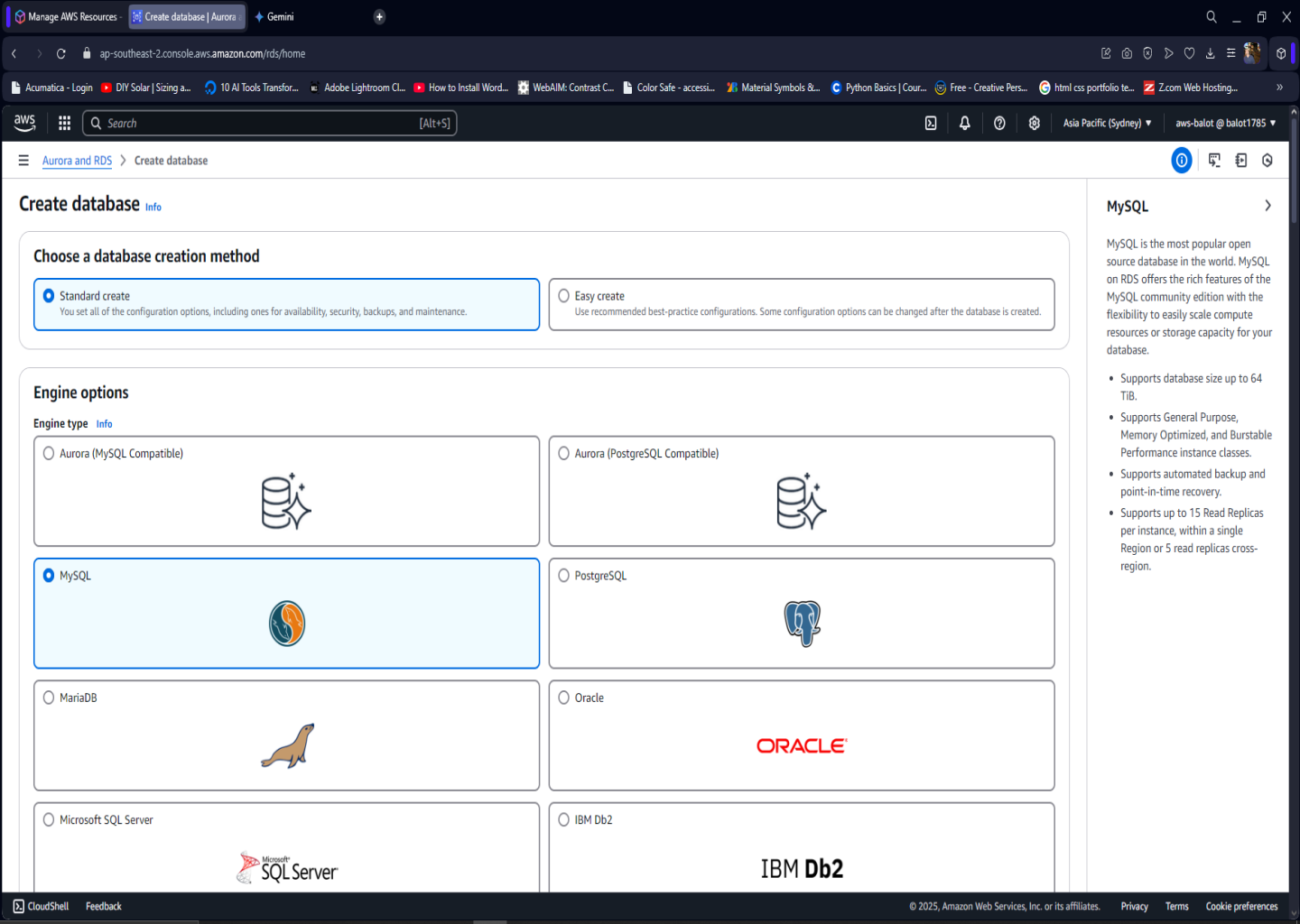
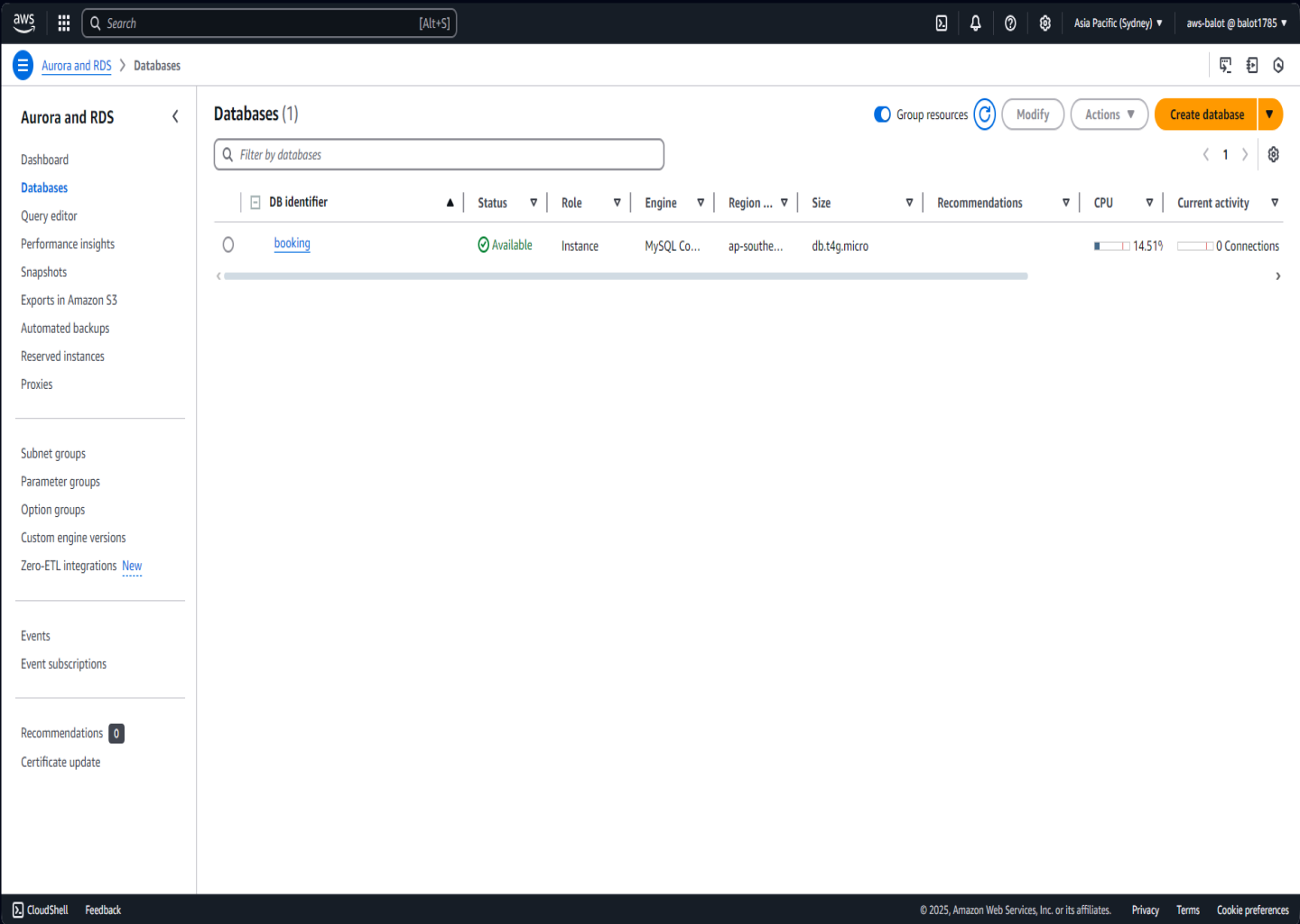
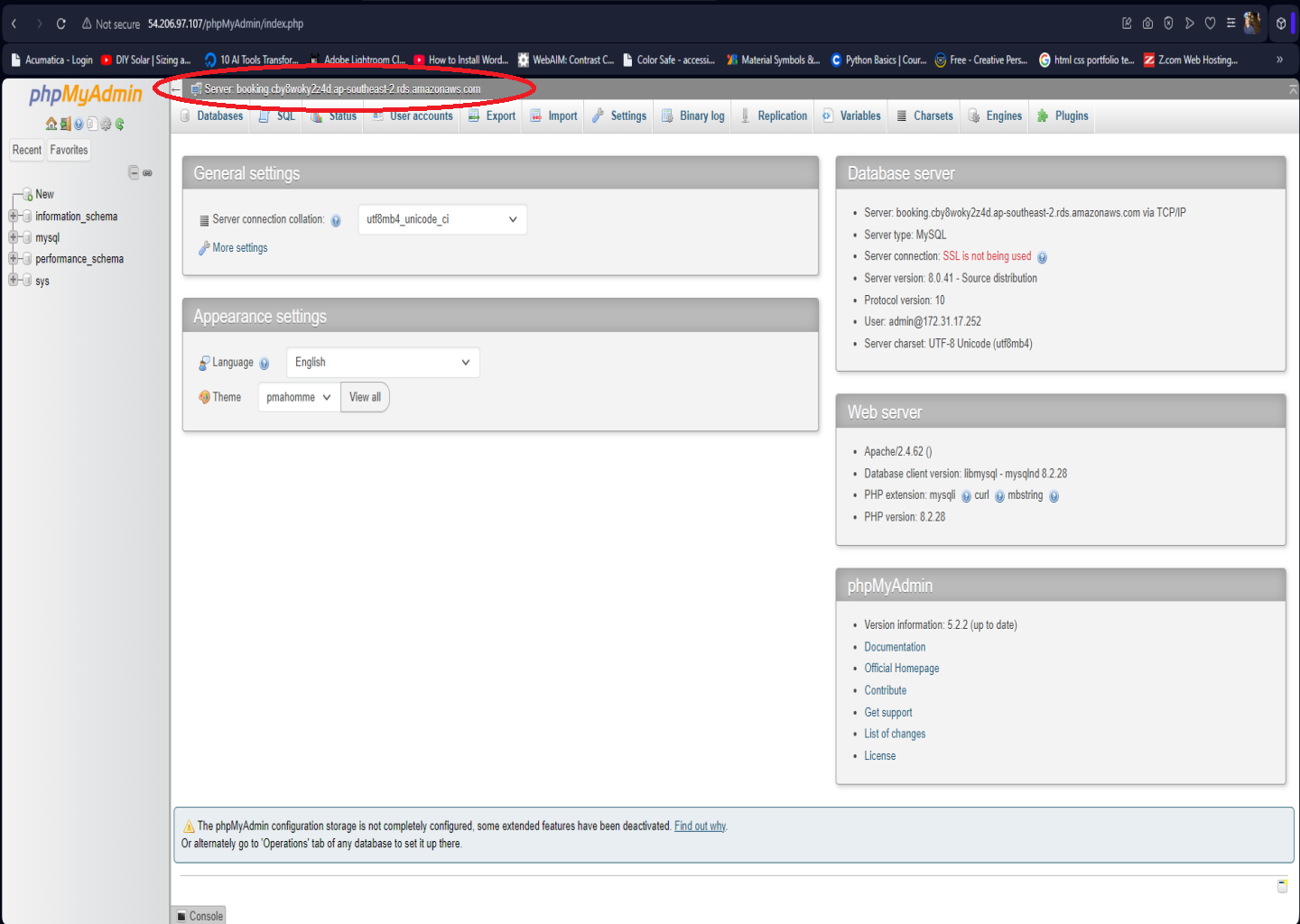
- Created RDS Instance: MySQL engine, private access, with security group allowing MySQL (3306) from EC2
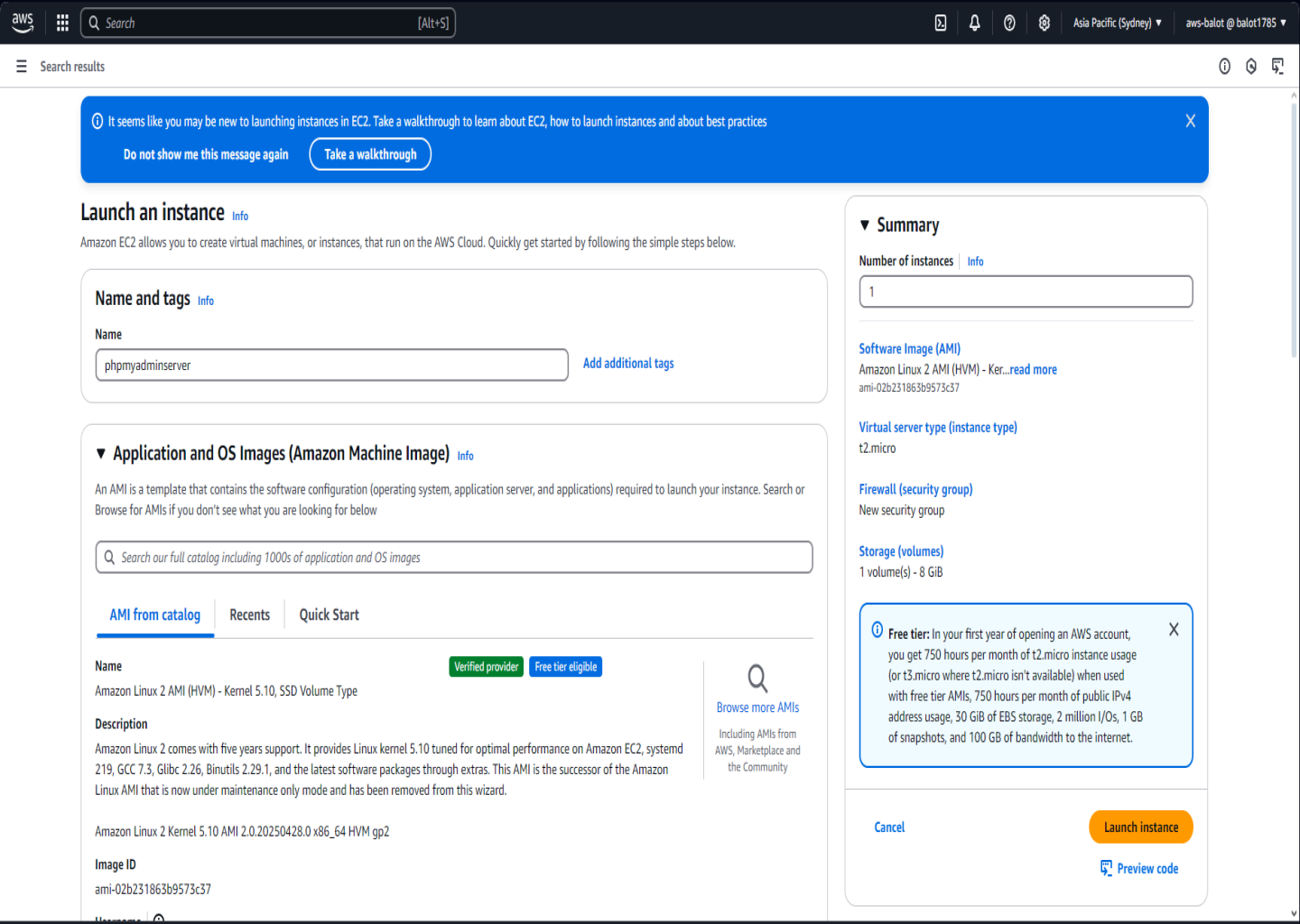
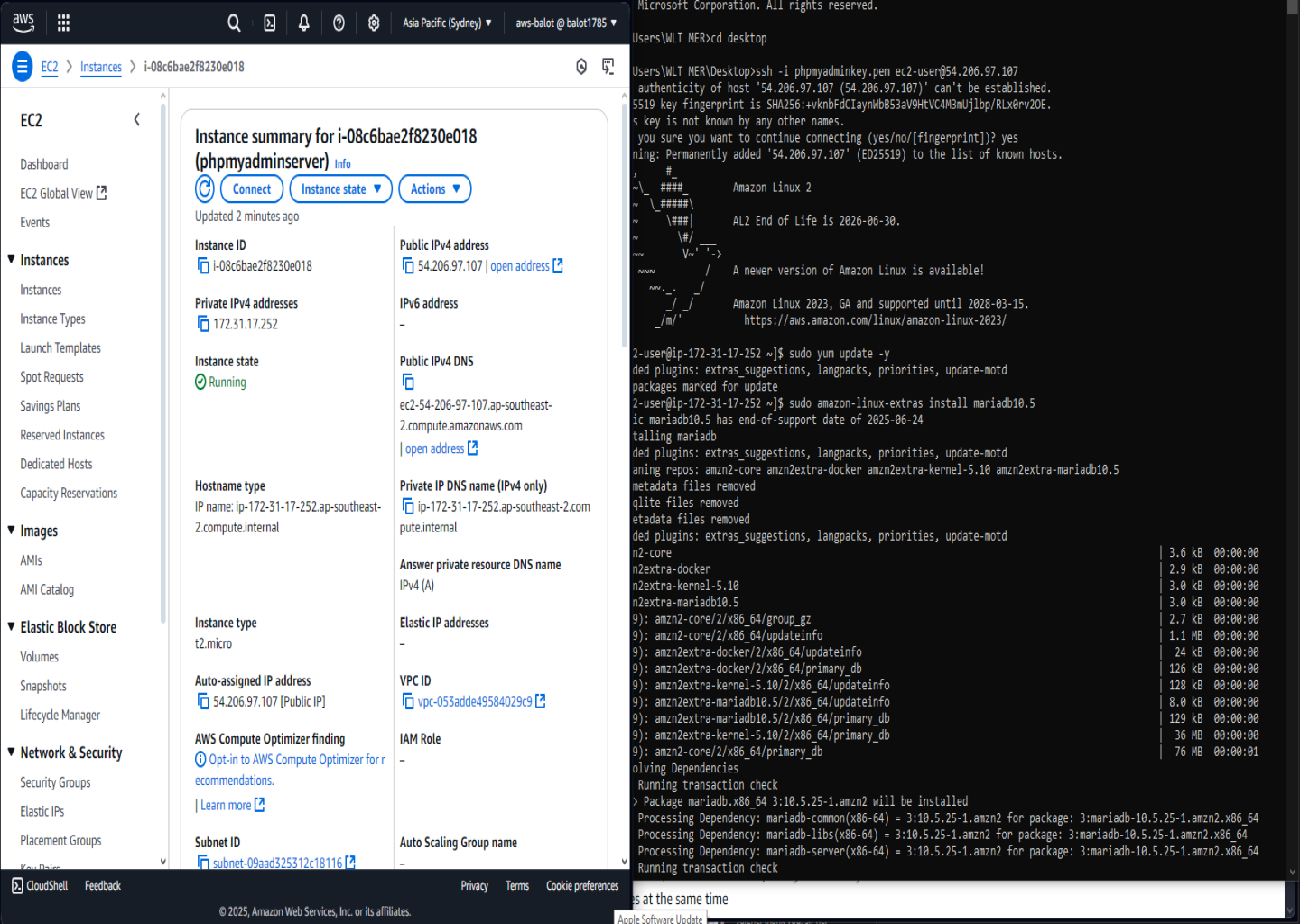
- Launched EC2 Instance: Amazon Linux 2 or Ubuntu with HTTP and SSH access
- Installed phpMyAdmin: Apache, PHP, phpMyAdmin deployed in /var/www/html/phpmyadmin
- Configured Connection: Edited config.inc.php to use RDS endpoint as database host
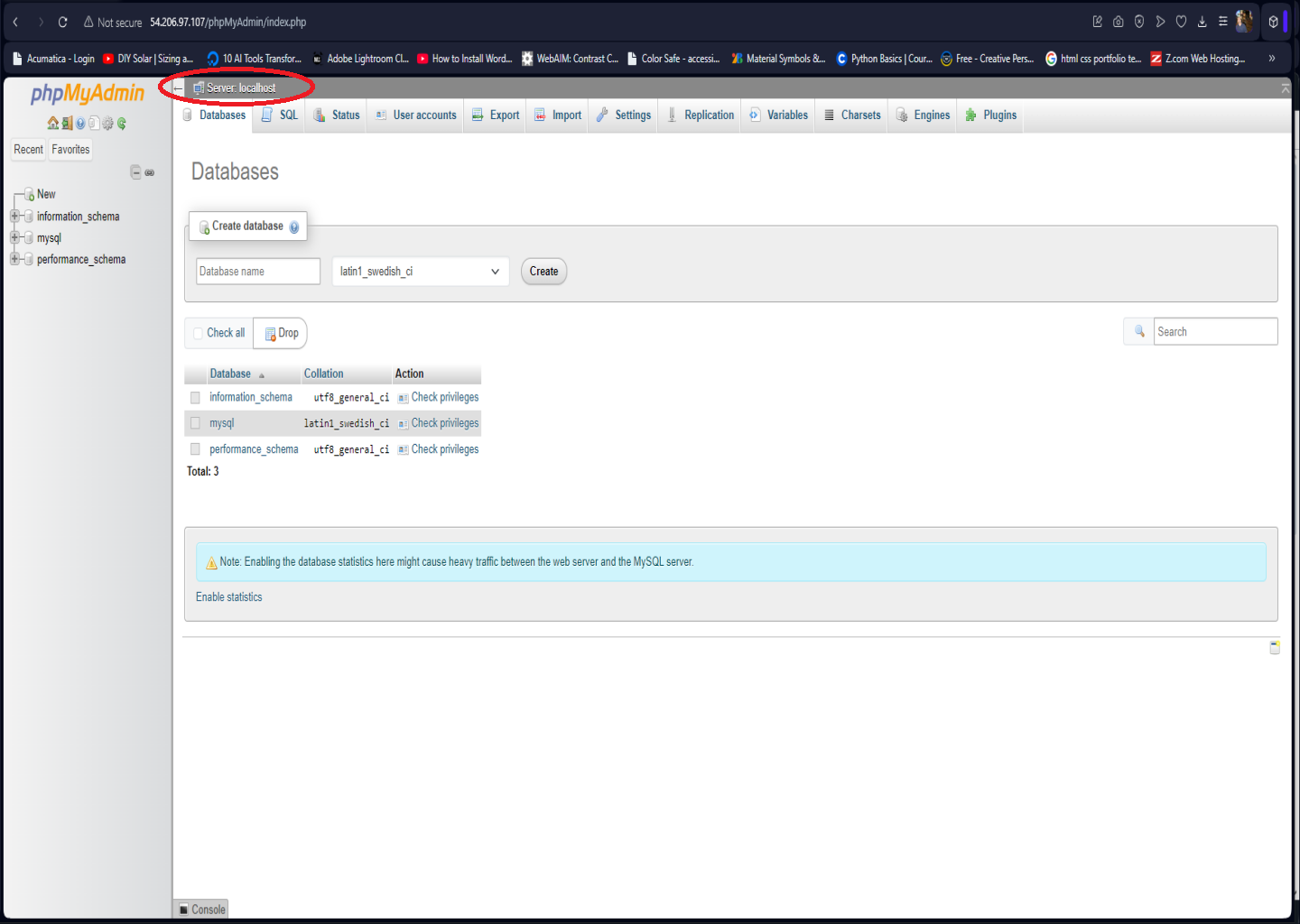
- Accessed phpMyAdmin: Browser access via http://EC2 Public IP/phpmyadmin
Project Photos